


One of the most important responsibilities for each new business owner is to create a relatively decent logo. A logo is indeed a visual representation of a company that serves both expressive and informative purposes. It expresses the feelings and ideas that you and your audience appreciate. It also defines and accentuates your company’s capabilities, making it more appealing to targeted users. The logo is much more than just a representation of the business. It represents the company’s objectives. That is why it is more than just a picture. When customers think of the company, they frequently recall the logo.
But designing a logo is not an easy task; it takes a lot of effort and experience. Due to this, the demand for applications to create logos has increased dramatically.
As per the reports, the market size of logo-making apps is worth billions of dollars.
One of the primary aspects responsible for the growth of the logo maker tools market is the rising number of small and medium-sized companies, particularly IT and retail companies, around the world
After knowing the statistics of logo designing app, it is clear that there is still little room for growth. You can also tap the market by developing custom logo designing apps like Canva, Logo Maker Shop & Generator, and many more.
Don’t know how to develop a logo designing app? Don’t worry; through this blog, you will get all the necessary information to make an app like Logo Maker Shop & Generator.

The Logo Maker Shop & Generator application allows users to design and create a beautiful logo for their business or company in seconds, all from the convenience of their smartphone. Logo creator design has never been easier with over 1,000 editable logo templates and 5,000 design materials supplied by experienced designers. Users don’t need any design expertise or talents; simply choose a logo template, get creative altering the selected logo design with over 5,000 fonts, and create a new logo in just a few clicks. This free logo design tool has a lot of features. To make it more unique, you can add other symbols or modify the background. This logo design tool has trendy and well-designed logo templates.
Why to Develop a Logo Designing App like Logo Maker Shop & Generator?
There are numerous compelling reasons for Logo designing app development. Below are some benefits for users of using logo maker apps. So, take a look!
| Tremendous market potential. |
| Even though they’re commuting, the application allows users to design their logo wherever they are, whenever inspiration strikes. |
| Users want a low-cost way to test design concepts without committing to a finished product. |
| In contrast to many of the online logo generators, logo design apps have a user-friendly interface. Users feel more concentrated on every step because the screen is narrower than on a desktop. In general, logo design apps are better structured, which means users can move from one step to the next with ease. |
As we’ve seen the overview of Logo Maker Shop & Generator, and why to invest in logo designing app development,
What are the Key Features and Functionalities to Consider during Logo Maker App Development?
As we all know that functionalities play an important role in app success. There are many logos designing apps in the market with their various offerings, so if you want to disrupt the market with your custom Logo designing an app, then you need to include features that are unique and make the user’s tasks easy. Below, we’ve mentioned features that you can consider while developing an app like Logo Maker Shop & Generator.

Moving on, let’s talk about,
How to Develop a Custom Logo Designing App?
This is the most important part of this blog! Read on to know the key development steps you need to take to develop an efficient app like Logo Maker Shop & Generator. 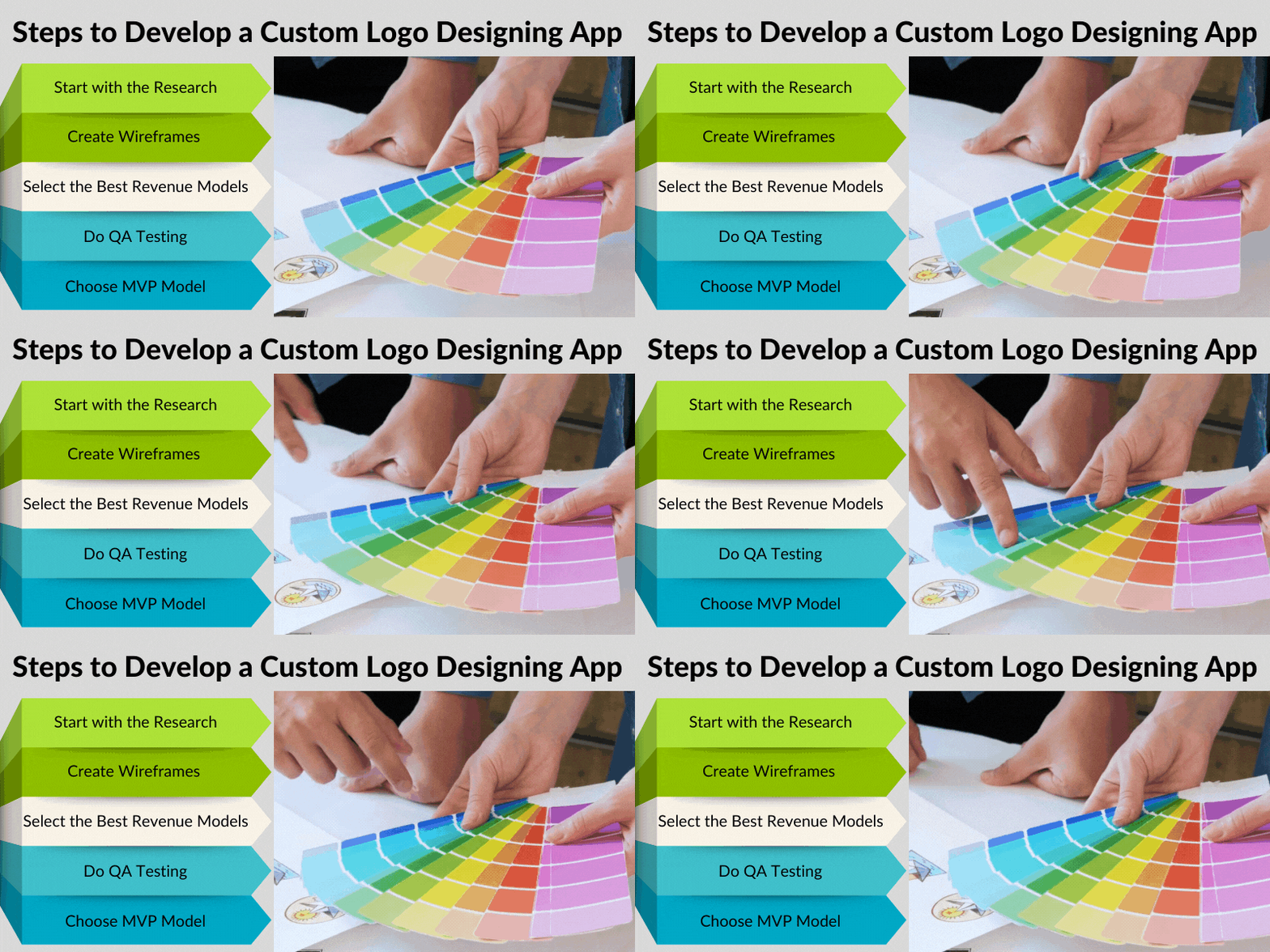
1. Start with the Research
The first and major essential step is to get well-informed about everything by completing thorough market research. You must be familiar with the present market offerings and leverage this information to identify a gap in the market that your app will cover, providing a new, full solution to the problem you’re tackling. Finally, your market research should assist you in determining everything from the noteworthy competing companies’ strategy to their positives and negatives, customer reviews, and, of course, what their distinguishing feature is. You will indeed be ready to double your pace and offer solutions that will function as soon as you locate these responses.
2. Create Wireframes
Whether you’re bringing a completely new concept to the table, aiming to construct the next major logo design app, or simply wanting to make a small app that solves a problem with existing tools that you know people have, the first step is to create a wireframe. A wireframe is a simple sketch that outlines your concept and can be created with tools. Unless you have prior design knowledge, you may want to enlist the help of a UX professional or someone with prototyping and design experience because the next stage is to turn your mockups into a colorful version of your future application.
3. Select the Best Revenue Models
It’s critical to figure out how a logo designing mobile application can generate profits, whether it’s your main product or a side project.
| The app can be monetized in a variety of ways like: |
| In-app purchases |
| Ads |
| Subscription model |
| Affiliate marketing |
So, the monetization model selected will influence the design of the user interface and, in turn, the entire customer journey; it’s important to determine this at the start of the application development cycle.
4. Do QA Testing
Quality assurance, or QA, is a continuous process that begins with the creation of your initial wireframe and only concludes when the application is no longer commercially available. It’s a time- and money-consuming process, but it’s one that will guarantee your application meets the high requirements you set and that your users expect. You can participate in the QA process personally but bear in mind that it covers every area of your future product, including user flow and experiences, design, usability and responsiveness, code quality, documentation, and so forth. So, during the development process, it is advisable that you hire a top mobile app development company to handle the technical aspects, and once your application is released, you can either pay a QA expert to manage it or do periodic QA tests yourself. Whatever path you take, keep in mind that technology evolves quickly, and just because you make an app and put it in the market doesn’t imply it will stay there and perform perfectly forever. Mobile apps, in particular, require extra attention, such as code changes, re-iterations, and technological upgrades.
5. Choose MVP Model
A minimal viable product (MVP) is a product’s most basic feature set that allows it to be utilized pure and simple. The key advantage of an MVP is that it allows you to gain a better understanding of your consumers’ demands and interests without having to fully construct a product. This allows you to create a product that your customers care about, increasing your chances of overall success. The sooner you receive feedback on your concept, the less likely you are to waste money and effort. If you want, you can hire experts from top MVP development companies to create an efficient MVP product for you.
Moving on, now let’s talk about,
How Much will a Logo Designing App Cost?
| The total development cost to build a logo designing app depends on various factors like: |
| Features and functionalities |
| Complexity of app |
| Geo-Region of a hired mobile app development company |
| Application’s Platform |
See, apart from these, there are many other factors. Nobody can quote the final development cost before analyzing your requirements. That’s why it’s beneficial to hire developers from top mobile app development companies to quote your project.
Conclusion
Don’t waste your time if you want to create an app. Yes, it takes a bit of time, analysis, and a huge effort, but remember that your ultimate objective is to make things easier. Take step at a time, most significantly. Your application will not be built in a day, just as Rome was not built in a day. Make some wireframes and listen to your users’ opinions; this is the only way you’ll be able to offer them with what they require. You can also hire mobile app developers from top mobile app development companies to build an efficient app like Logo Maker Shop & Generator. Contact us if you want expert advice and guidance to build an app that stands out from the rest.